
Personal memory
Nova learns information from conversations so you can ask about it later. Personal memory is enabled by default and stored locally in the unified memory ledger. It supports conversation recall, source evidence, corrections and forgetting. mem0 remains available as an explicitly selected alternative.
Use it
Tell Nova a fact, such as “My example project is Cedar, code C-731.” Later, in a new conversation, ask: “What is Cedar's project code?”
Learning takes time. A new fact may not be searchable immediately; check its learning state in the desktop memory panel.
View memories
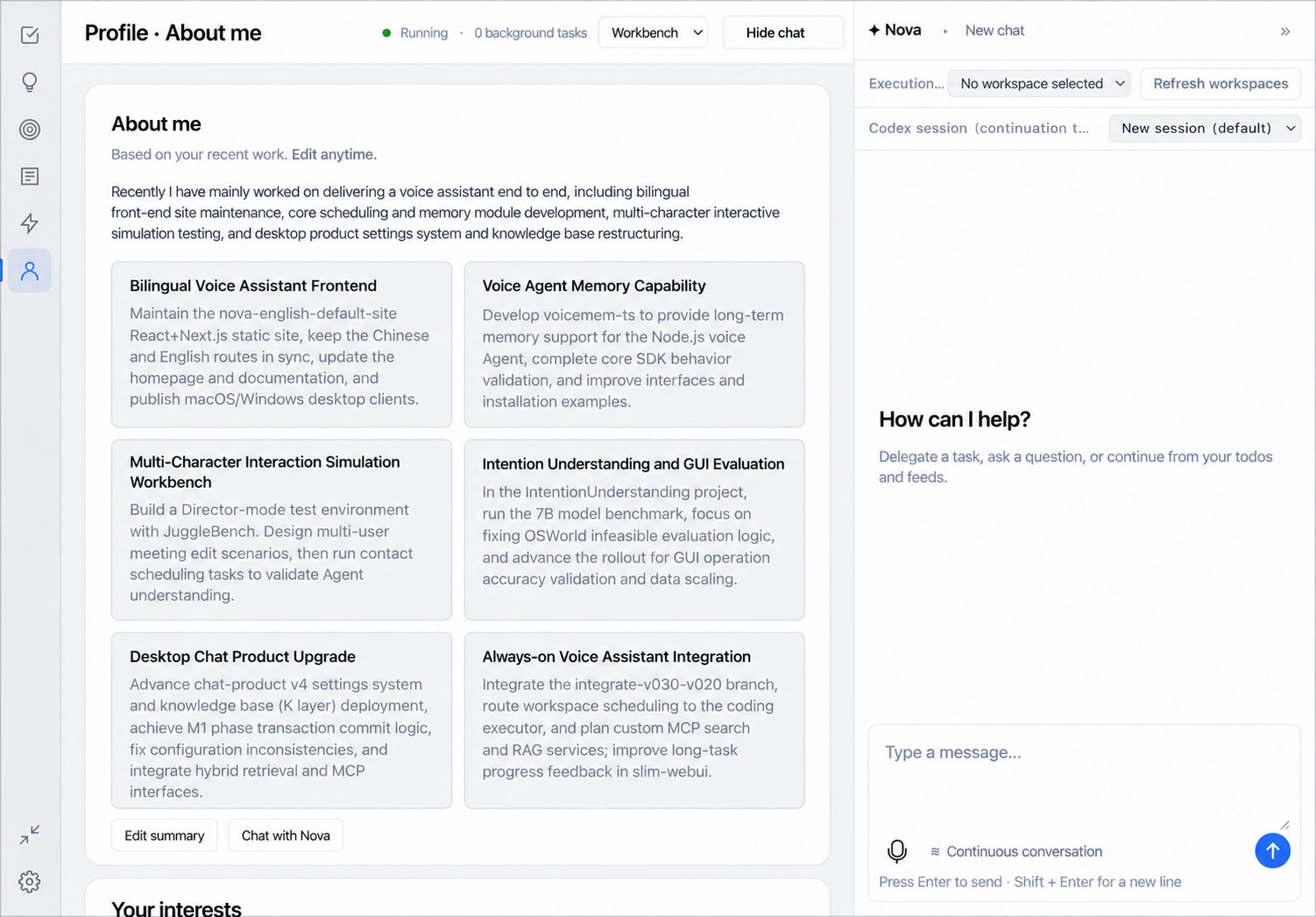
Use the main window’s memory view to inspect, correct or forget ledger entries. With mem0 selected, right-click the orb, open the memory panel, and select personal memory. You can search your original wording, view learned facts and their sources, and browse earlier records.
Search matches original text. Long entries show an excerpt. Inspection currently supports local mem0; the panel does not offer editing or deletion.
Storage and privacy
The unified ledger defaults to ~/.nova-audio-agent/workspace-graph.sqlite; use MEMORY_LEDGER_PATH to select another location. With mem0 selected, files are stored under ~/.nova-audio-agent/memory.sqlite.mem0/, with separate data for each user.
Local storage is not offline processing. Extraction and embeddings send relevant text to your configured model service.
Personal memory comes from conversation. Document knowledge comes from files you import. Neither grants permission to execute tasks.
Change or disable memory
For source use, edit .env and restart Nova. No changes are needed for the defaults.
| Choice | Configuration |
|---|---|
| Unified local ledger (default) | MEMORY_CONNECTION=local; omit provider or select voicemem |
| Local mem0 | MEMORY_CONNECTION=local and MEMORY_PROVIDER=mem0 |
| Disable memory | MEMORY_CONNECTION=disabled; remove provider |
| Remote service | MEMORY_CONNECTION=remote; configure the service URL and token below; remove provider |
Remote connections require MEMORY_URL and MEMORY_TOKEN. The service must implement Nova's memory interface; an arbitrary mem0 endpoint is not compatible. Connection failure reports unavailable rather than switching to local storage.
The unified ledger can import legacy VoiceMem records without changing the old database. Selecting mem0 does not migrate ledger records or enable ledger-backed source connectors. Disabling memory does not delete stored data. See configuration for common settings.